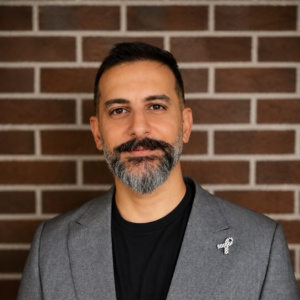
This week I joined Robin Ayoub on episode 304 of the Localization Fireside Chat. Robin mentioned that in over 300 episodes, typesetting had never come up on the show, even though nearly every translated file goes through it. Here are a few of the things we talked about.
What lands on my desk
Usually it’s an InDesign file with the translation in a two-column Word file, or an InDesign file that a translation tool has already filled in. Either way, the original fonts are often still there. If they don’t support the language, you get squares where the letters should be, and right to left languages still need the whole layout flipped. I wrote more about missing letters in fonts here.
Broken Arabic is still out there
We talked about the smart lock manual I bought in Jordan and the Air Canada seat screens, where the Arabic came out disconnected and backwards. Numbers are another trap. Arabic reads right to left, but numbers still read left to right, so a phone number can end up backwards without anyone noticing.
A little prep before translation
- Leave about 30% extra space for languages that run longer, like German or Russian
- Set text frames to expand automatically
- Use paragraph styles, so font sizes can be changed in one step
- Pick fonts that support every language you’re going into
- Skip Canva for multilingual work
Where AI fits in
AI already saves me time by bringing translations into InDesign for me, but it can’t do the full typesetting yet, and it can’t tell when a page looks wrong. That’s why I still check every page myself, as my times table story shows.
We also talked about International Multilingual Typesetters Day, my course at Localization Academy, and much more. Thanks to Robin for having me on. You can watch the full episode above or on YouTube.